
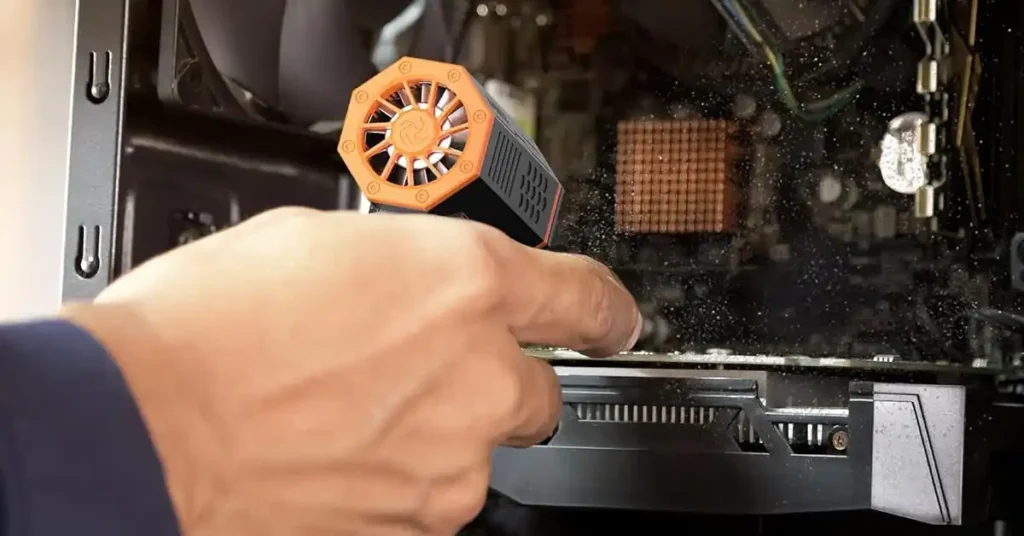
If your Wolfbox MF50 will not work, here is the simple truth. I have seen the same issues in real shops and small home garages in the U.S. Most fixes are fast and easy.
This guide shares the quick checks that helped me fix power loss, heat shutoffs, slow charge time, weak air flow, and tight or stuck buttons. The goal is clear. You can fix most MF50 problems at home with simple tools you already own.
Table of Contents
What Makes the Wolfbox MF50 Stop Working?
When my Wolfbox MF50 stops work, it is almost always one of four things. The battery is low. The unit is hot. The air path is blocked. Or the charger is weak. I have seen these same issues in small shops, home garages, and car bays. The good news is that most fixes are quick. The key point is that most MF50 problems come from simple things you can fix at home.
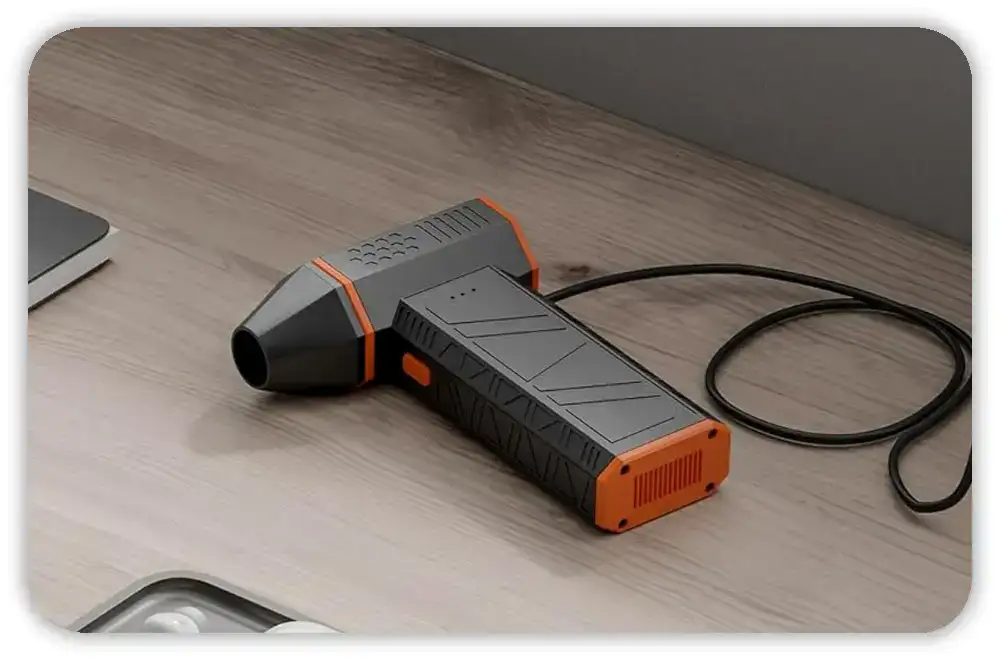
Why Battery Issues Stop the MF50
The MF50 needs a firm long press to turn on. A short tap only changes speed. A low battery also keeps the motor from starting. Long work sessions drain it fast. Cold air slows the cell too. I see this a lot in cold garages in winter. So the main point is that a low or cold battery can make the MF50 look dead.
How Heat Shutdown Works
The MF50 cuts off when it gets hot. I have hit this many times in summer. “Super Wind” mode builds heat fast. Dust on the inlet traps heat too. Hot states like TX and AZ push the MF50 into shutdown even faster. The short point is that heat lockout is normal. It keeps the motor safe.
How Air Blockage Cuts Power
Dust, lint, hair, and wood chips clog the nozzles fast. A blocked inlet makes the motor work hard. When that happens, the MF50 shuts down to stay safe. I see this most in woodshops and mower sheds. The point is clear. A clean air path keeps the MF50 strong.
Why Charging Issues Make the MF50 Act Dead
A bad USB-C cable is the most common issue I see. A dirty port comes next. A car charger fails when a 12V fuse blows. A weak wall plug charges slow or not at all. So the main point is that many “dead” MF50 units only have a bad charge source.
How Do You Reset a Wolfbox MF50?
When my MF50 will not turn on, a quick reset fixes it most of the time. There is no pin reset. You just clear the leftover charge and let the board start fresh. This works well after long storage or heat shutdowns. The takeaway is simple. A reset gives the MF50 a clean start.
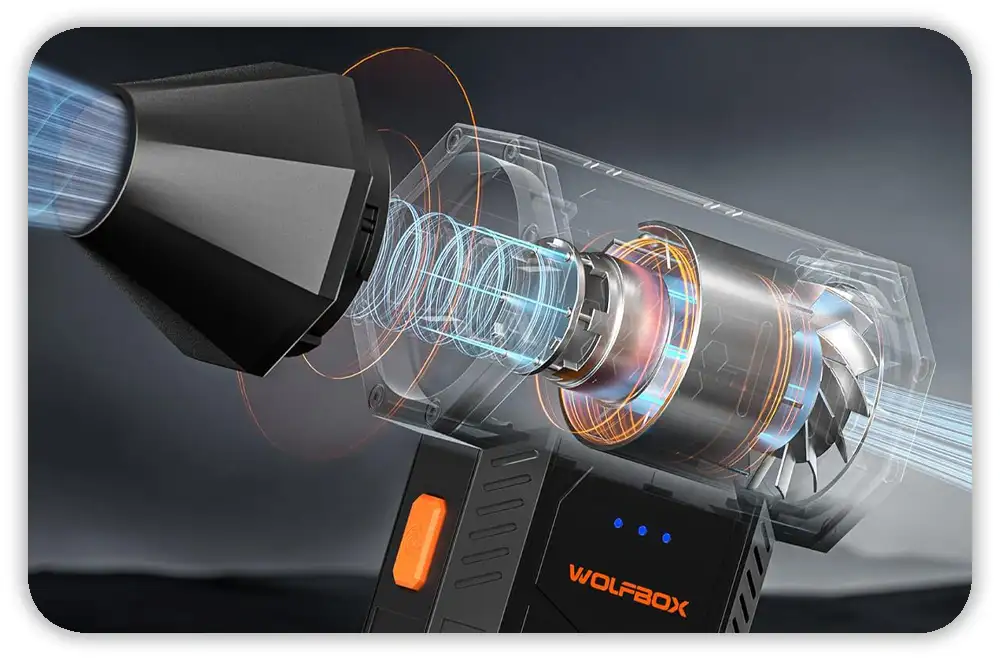
Simple MF50 Reset Steps
- Long press the power button for 3 seconds
- Unplug the charger
- Let the MF50 rest for 5 minutes
- Charge it for 10 minutes
- Long press the power button again
This clears small lockups.
When a Reset Will Not Work
A reset will not help if the MF50 shows no charge light at all. A burnt smell is also bad. A loose USB-C port is a sign of damage. A unit that stays hot when off is bad too. These signs point to a real fault, not a small freeze.
Why Won’t My Wolfbox MF50 Turn On?
When my MF50 will not start, I run three fast checks. They need no tools. They fix most no-start issues in a few minutes. The point is that most start issues are simple.

Check the Long-Press Start
A short tap only changes speed. The MF50 needs a long press to wake. Many users think it is dead due to short taps. The key idea is that the long press is required.
Check the Battery and Temp
If the MF50 feels warm, I let it cool for 20 to 30 minutes. If it is cold, I warm it a bit in my hand. Cold cells do not start well. The main point is that battery temp affects start.
Check the Charge Gear
Use a good USB-C cable. Use a 5V/2A wall plug. Laptop ports are too weak. In a car, check the 12V fuse. The key idea is that weak power slows or stops charge.
Why Is My Wolfbox MF50 Slow to Charge?
Slow charge issues almost always come from the cable, the plug, or a dirty port. With a clean port and a strong 5V/2A plug, the MF50 charges well. The point is that most charge issues do not need new parts.
Test the Cable First
Cheap cables fail when bent. I swap in a cable I trust. Most times the MF50 wakes right away. The point is that the cable is the weak link.
Check the Wall Plug
Weak plugs charge slow. I use a 5V/2A plug or more. USB ports on tool chargers are too weak. The short point is that the plug must have enough power.
Clean the Port
Use a small plastic pick or dry air. Do not use metal tools. Dust from wood, grass, or brake work builds up fast. The key point is that a clean port charges right.
Check Car Charge
If a car socket fails, the fuse is often the cause. Swap it with the same size fuse. Try other sockets too. Some trucks have more than one. The main idea is that car charge depends on a good fuse.
Why Is the Wolfbox MF50 Blowing Weak Air?
When my MF50 blows weak air, it is almost always clog, heat, or low charge. These checks fix it fast. The point is that weak air has simple causes.
Check for Clogs
Dust, pet hair, lint, and grass pack in fast. Shops and mower sheds are the worst. A quick brush or burst of air clears it. The main point is that clean inlets give strong air.
Check the Nozzle Fit
If the nozzle is loose, you lose air force. Push until it clicks. The key idea is that a firm fit gives full flow.
Check the Battery Level
Turbo mode needs strong volts. Low charge cuts air fast. A short charge brings it back. The short point is that strong air needs a strong battery.
Why Does the Wolfbox MF50 Keep Shutting Off?
When my Wolfbox MF50 keeps shutting off, heat is almost always the cause. The motor builds heat fast in small shops and warm garages, and the MF50 shuts down to protect itself. These steps helped me cool it, reset it, and keep it running longer. The key point is that shutdowns are usually heat-related and easy to prevent.
The MF50 Overheat Protection System (How It Works)
The MF50 spins fast, and that speed creates heat. When airflow gets blocked, the heat climbs even faster. Hot garages raise temperatures inside the unit too. The MF50 shuts off to protect the motor from harm. The main idea is that the shutdown is a safety feature, not a failure.
How to Cool the MF50 the Right Way
I switch the MF50 off and let it rest for twenty to thirty minutes. I never leave it on metal surfaces in summer because they hold heat. I also keep it out of direct sun when I am working outside. The key point is that a short cool-down brings the MF50 back to life.
Prevent Overheating During Big Jobs
I clean the inlet often to keep air flowing. I take short breaks when I use “Super Wind” mode. For long runs, I switch to mid-speed. I also avoid using the MF50 next to hot engines or welders. The main point is that small habits prevent shutdowns.
How Do You Fix a Stuck Button on the Wolfbox MF50?
I have had the MF50 power button stick after dusty jobs, and it feels like the device is dead when the button won’t move. Dust and fine chips can wedge around the button fast. These simple tricks helped me free it without opening the unit. The key idea is that most stuck buttons come from dirt, not damage.
Check for Dust Packed Around the Button
Wood dust, brake dust, metal shavings, and pet hair can all pack around the button. This is common if the MF50 sits on a shelf near tools or mower gear. The point is that debris around the button causes most sticking.
How to Free a Sticky Button Safely
I use a burst of dry air around the button. A light tap on my palm helps too. Then I wipe the edges with a dry cloth. I never use WD-40 or any oil because it attracts more dust. The key takeaway is that gentle cleaning frees the button safely.
Should You Replace the Battery on a Wolfbox MF50?
The MF50 uses a built-in battery, so you cannot swap it like the MF200 pack. Still, many battery issues are easy to fix without replacement. This section helped me know when the battery was truly failing. The main point is that replacement is rare unless the unit is aging or damaged.
Signs the Battery Is Failing
My MF50 battery was failing when it stopped holding a charge and died fast under light use. It also ran hot even on low mode. These are signs that the cell is worn. The point is that clear symptoms point to real battery decline.
When Battery Replacement Makes Sense
I only think about replacement if the unit is out of warranty. I also check the port and cable first to rule out charging issues. If the MF50 still shuts down or drains fast with known-good gear, then replacement may be worth it. The main idea is that replacement is the last step, not the first.
When Should You Contact Wolfbox Support?
Once I have tried the basic checks and the MF50 still fails, I reach out to Wolfbox support. They have long warranties, and many issues qualify for an exchange. Most people wait too long before asking for help. The key point is that support is useful when simple fixes fail.
What Wolfbox Covers Under the MF50 Warranty
The warranty covers electrical faults, motor issues, port failures, and other problems not caused by misuse. The base warranty is twenty-four months, and buyers from the Wolfbox site get an extra eighteen months. The point is that many MF50 problems fall under warranty.
What Information to Give Support
I share what I already tried, photos of the charging port, and where I bought it. I also include the serial number and note the climate since heat affects these units. The key idea is that clear info speeds up support.
Final Tips to Keep the Wolfbox MF50 Working Longer
Simple habits keep my MF50 running strong. These tips help in garages, tool sheds, and car-detail setups. A little care goes a long way. The main point is that prevention saves time.
Clean the Inlet Often
I clean the inlet after dusty jobs, mower cleaning, brake work, or woodworking. Dust builds fast in small shops. The point is that a clean inlet keeps airflow strong.
Store It Right
I store the MF50 in a dry spot and never leave it in a hot trunk or damp basement. Heat and moisture shorten its life. The key takeaway is that good storage protects the battery and motor.
Charge It Before Big Jobs
A full charge gives the strongest airflow. Turbo mode needs strong voltage. A weak battery cuts airflow fast. The main point is that a full charge makes the MF50 work at its best.
Quick FAQ: Wolfbox MF50 Not Working
Why won’t my MF50 turn on?
The battery may be low, the unit may be hot, or the power button was short-pressed.
Why is my MF50 blinking while charging?
A weak adapter or low voltage can cause slow or unstable charging.
Why does my MF50 stop after a few seconds?
The overheat protection system is likely shutting it down.
Why is airflow weak?
A clogged inlet, a clogged nozzle, or low battery will drop airflow fast.