
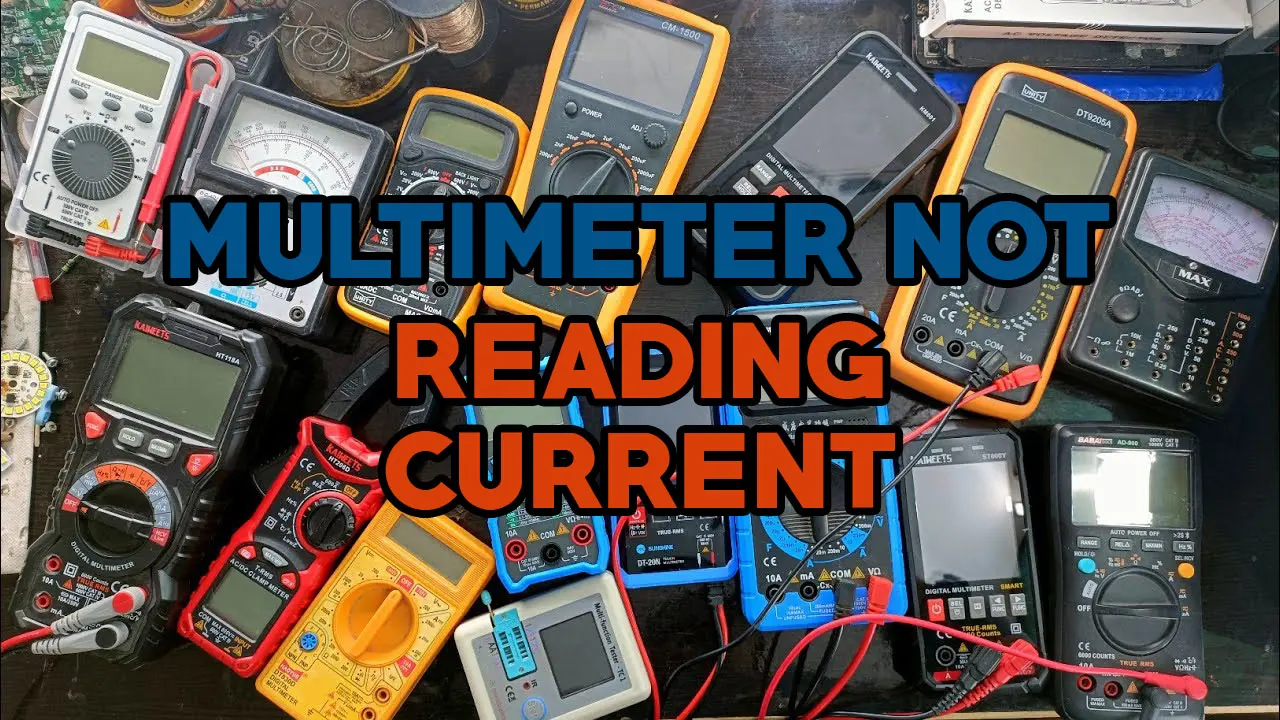
If you’ve ever tried to measure current with a clamp meter and nothing happened, I know how frustrating that feels. I’ve been there myself. You squeeze the clamp around a wire, look at the screen, and… zero. No reading. It’s easy to doubt your skills or even the device. But over time, with plenty of trial and error, I learned that the problem is almost never random. There’s always a reason, and most times, it’s a simple fix. Today, I want to share what I’ve learned about why a clamp meter might not read current, and what you can do about it.
What Is A Clamp Meter And Why Current Reading Matters
When I first picked up a clamp meter, I thought it was magic. All you do is clamp it around a wire, and it tells you how much current is flowing—no cutting, no disconnecting. This is so much safer and faster than using test leads. But for a clamp meter to work, you have to use it the right way. Current measurement is its main job, and when it doesn’t show any current, something’s off.
Most Common Reasons A Clamp Meter Shows No Current
After many hours using different meters, I noticed the same problems kept popping up. Here’s what I found were the main causes:
1. Clamping The Wrong Wire
This was my first mistake. I clamped the meter around a whole cable with both the hot and neutral wires inside. The meter read zero. Why? Because the currents in the wires cancel each other out. A clamp meter only works if you clamp around one single conductor—usually just the hot wire.
2. Measuring The Wrong Type Of Current
Not all clamp meters measure both AC and DC current. My first meter only measured AC current (alternating current). If you try to use it on a battery or a solar panel (which is DC, or direct current), it won’t read anything. Always check your meter’s specs.
3. Meter Not Set To The Right Mode
It’s easy to forget to set your meter to the correct function. If it’s set to voltage or resistance, it won’t show current. I’ve done this more times than I like to admit. Make sure your dial or setting is on current (look for “A” for amps).
4. No Current Flowing
Sometimes, there just isn’t any current. Once, I tried to measure current on a wire I thought was live, but the device it powered was turned off. No current flows if nothing is using electricity. Double-check that the circuit is active.
5. Faulty Meter Or Dead Batteries
Meters can fail too. If you’ve tried everything else, maybe the clamp meter needs new batteries or has an internal fault. Swapping in fresh batteries fixed my problem more than once.
6. Damaged Or Dirty Clamp Jaws
If the jaws of the clamp are dirty or don’t close fully, the meter may not sense the current. I’ve seen this when working in dusty places. A quick wipe with a clean cloth can make a big difference.
7. Trying To Measure Very Low Current
Clamp meters have a minimum current they can detect. If the current is too low (like less than 0. 5A on some meters), it might not show up at all. For tiny currents, you might need a different tool.
8. Using The Clamp Meter On Shielded Or Twisted Wires
Some wires are shielded or twisted together to reduce electrical noise. If you try to clamp around these, the meter may not pick up the current because the magnetic fields cancel out.
Step-by-step: How I Troubleshoot When My Clamp Meter Reads Zero
Through many trial runs, I created a simple checklist that works almost every time. Here’s what I do:
- Check the Wire: Make sure I am only clamping around one conductor, not a whole cable.
- Check the Meter Setting: I confirm that my meter is set to measure current (amps, AC or DC, as needed).
- Check the Circuit: I verify that the device or circuit is on and actually drawing current.
- Inspect the Clamp: I look for dirt or damage on the clamp jaws and clean them if needed.
- Test on a Known Live Wire: If I still get zero, I try the clamp meter on a different wire I know is live. This tells me if the meter itself is working.
- Change Batteries: If readings are still missing, I swap in fresh batteries.
- Consult the Manual: Sometimes a quick look at the user manual solves the mystery.
Real-world Example: My Clamp Meter Adventure
One day, I was helping a friend check the current draw of his air conditioner. I clamped my meter around the thick main cable. The meter read zero. We were sure the AC was on. After a few minutes of confusion, I realized I’d clamped the whole cable with both the hot and neutral wires.
I switched to clamping just the hot wire, and instantly, the correct current reading appeared. This simple mistake cost us time but taught me to always double-check the wire.

Key Differences: Clamp Meter Vs. Multimeter For Current
Some folks confuse clamp meters and multimeters. Here’s a quick comparison I made to help me remember:
| Feature | Clamp Meter | Multimeter |
|---|---|---|
| Current Measurement | Non-contact, clamp around wire | Contact, inline with circuit |
| Safety | Safer, no need to break circuit | More risk, circuit must be opened |
| Best For | High current, quick checks | Low current, precise readings |
| Size | Larger | Smaller |
How To Choose The Right Clamp Meter For Accurate Current Reading
I learned that not all clamp meters are equal. If you want the right readings, here’s what matters most:
- Current Range: Make sure the meter can measure the current you expect to see.
- AC/DC Capability: If you need to measure both AC and DC, buy a meter that supports both.
- Jaw Size: The jaws must be big enough to fit around the wire.
- Sensitivity: Some meters only detect higher currents. For small loads, look for a model with high sensitivity.
- Brand and Build Quality: Cheap meters may be less accurate or break easily. I prefer trusted brands.
- Display: A clear, easy-to-read display is a must, especially in low light.
Here’s a quick feature comparison of two popular clamp meters I’ve used:
| Feature | Fluke 323 | Klein Tools CL800 |
|---|---|---|
| AC Current Range | 400A | 600A |
| DC Current | No | Yes |
| Jaw Opening | 30mm | 35mm |
| Display Type | Basic LCD | Backlit LCD |
Two Insights Most Beginners Miss
In my early days, I missed two important things that made all the difference:
- Clamping Around Multiple Wires Cancels the Reading: If you clamp around both the live and neutral wires at once, the currents cancel out. This is why you must always clamp only one conductor.
- Minimum Detectable Current: Most clamp meters have a minimum current they can pick up. If you’re measuring very small loads, like a phone charger, your meter might not show any reading, even if there is current.
Advanced Problems That Can Cause Zero Reading
Sometimes, things get tricky. Here are a few advanced issues I ran into:
- Magnetic Interference: Strong magnets or large electric fields nearby can mess up readings.
- Improperly Shielded Wires: Special industrial cables sometimes block the magnetic field the clamp meter needs to detect.
- Worn-Out Internal Sensors: If your meter is old or dropped, the sensor inside may no longer work well.
- Software Glitches: Some digital clamp meters freeze up. Turning the meter off and on can reset it.

Quick Tips To Avoid Clamp Meter Mistakes
Based on my experience, here are some tips to get good results every time:
- Read the Manual: Even if you think you know, check your meter’s guide for special instructions.
- Practice on Known Circuits: Before troubleshooting, test your meter on a working circuit so you know it’s functioning.
- Replace Batteries Regularly: Weak batteries can cause strange problems.
- Store the Meter Safely: Avoid dropping or crushing the clamp jaws.
When To Replace Or Repair Your Clamp Meter
If you’ve checked everything and your clamp meter still won’t read current, it may need service. I once had a meter that worked fine for voltage, but not for current. After testing every possible fix, I sent it for repair. Turns out, the sensor was broken. Sometimes, that’s the only answer.
Here’s a table showing when to fix vs. replace:
| Problem | Try to Fix | Replace Meter |
|---|---|---|
| Dirty jaws | Yes | No |
| Dead batteries | Yes | No |
| Internal sensor failure | Maybe (if warranty) | Yes |
| Cracked display | No | Yes |
Safety Reminders From My Experience
Never forget: electricity is dangerous. I always follow these rules:
- Wear insulated gloves if working on high-voltage wires.
- Never clamp around damaged or exposed wires.
- Don’t use a clamp meter in wet or damp conditions.
- Always double-check that you’re clamping the right wire.
For more safety tips, I recommend the official OSHA Electrical Safety guidelines.
Frequently Asked Questions
Why Does My Clamp Meter Read Zero On A Live Wire?
Usually, this happens because you’re clamping around both the live and neutral wires at once. The currents cancel each other. Always clamp around a single conductor.
Can A Clamp Meter Measure Dc Current?
Some can, some can’t. You need to check your meter’s specifications. Only clamp meters marked for DC current can measure it.
What Is The Minimum Current A Clamp Meter Can Detect?
Most basic meters detect currents above 0. 5 to 1 amp. For very small currents, you may need a specialized or more sensitive meter.
Should I Trust A Clamp Meter For Very Precise Current Measurements?
Clamp meters are great for quick checks and larger currents. For precise low-current readings, a standard multimeter used inline is often more accurate.
My Clamp Meter Works For Voltage But Not Current. What’s Wrong?
This could mean the clamp sensor is damaged, the jaws are dirty, or you’re clamping the wrong wire. Try cleaning the jaws, checking your settings, and testing on a known live wire.
—
Using a clamp meter doesn’t have to be hard. Most problems are simple to fix once you know what to look for. If your meter isn’t reading current, don’t panic—just work through the steps I’ve shared. With a bit of practice and patience, you’ll solve these problems quickly, just like I did.
Happy measuring, and stay safe!