
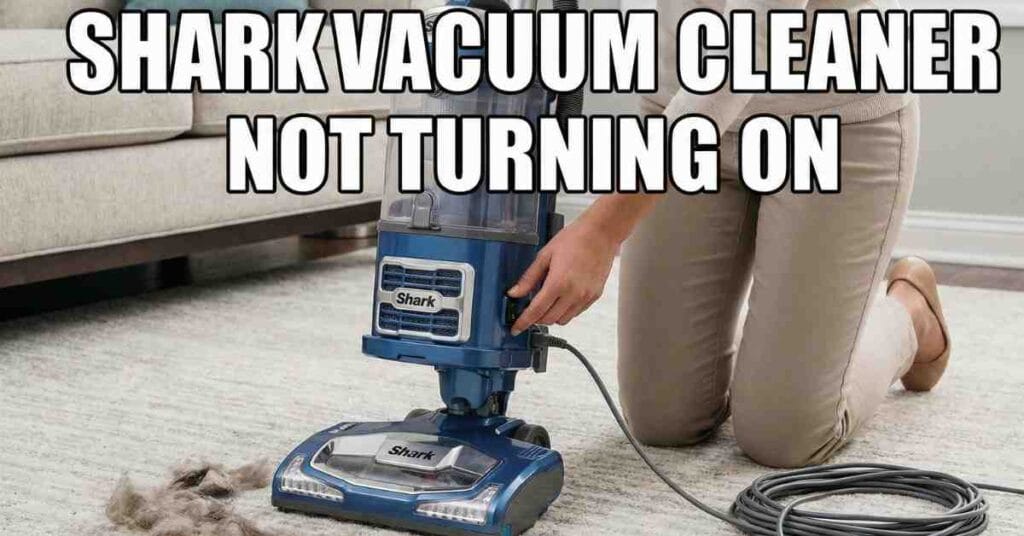
Last Saturday morning started like any other. I had my coffee in hand. The sun was shining through the windows. Then I saw it. A thick layer of dust was on my rug. I also saw a mess of dog hair near the couch. I grabbed my Shark Navigator from the closet. I plugged it in. I flipped the switch to “II” for carpet.
Nothing happened.
The vacuum was dead. There was no hum. There was no light. It was just a heavy piece of plastic in my hand. I felt that sudden wave of stress. We had friends coming over in two hours. I needed that vacuum to work.
I run ToolsEngineers, so I know my way around a motor. But even for me, a dead tool is a pain. I spent the next hour digging into the machine. I found the fix. If your Shark vacuum cleaner is not turning on, do not panic. I will walk you through exactly what I did to get mine running again.

That Sinking Feeling on a Busy Saturday
When a tool fails, we often think the motor is blown. We think about the cost of a new one. I stood there in my living room feeling frustrated. I checked the plug first. It was tight in the wall. I tried a different outlet in the hallway. Still nothing.
I realized I needed to be smart about this. I sat down on the floor with the vacuum. I started to look for clues. Was there a smell? No. Was it hot? Yes. The side of the motor felt very warm to the touch. That was my first big lead.
The Secret Safety Switch: Thermal Overload
Most people do not know that Shark vacuums have a “brain” for heat. It is called a thermal cut-out switch. If the motor gets too hot, the switch flips. It cuts the power to save the motor from melting. This is a good thing. It keeps your house from catching fire.
My vacuum felt hot because I had used it for an hour the day before. I also realized I had not cleaned the filters in months. The motor was working too hard. It could not breathe.
How to Reset the Thermal Switch
| Step | Action | Why It Matters |
| 1 | Unplug the vacuum | Stops all electricity flow for safety. |
| 2 | Wait 60 minutes | Lets the internal metal strip cool and reset. |
| 3 | Clear all clogs | Removes the reason for the heat buildup. |
| 4 | Clean the filters | Restores airflow to the motor. |
I unplugged the cord. I set a timer on my phone for one hour. You cannot rush this part. If the metal inside the switch is still warm, it will stay open. The vacuum will stay dead. While I waited, I went hunting for the cause of the heat.
Hunting for the Hidden Clog
Airflow is the life of a vacuum. If air cannot move, the motor spins faster and faster. This creates friction. Friction creates heat. I started at the bottom of the vacuum. I turned the floor nozzle over.
I saw a thick wrap of hair around the brushroll. I used a pair of scissors to snip it away. Then I pulled the hose off the base. I looked through it like a telescope. I could not see light at the end.
I found a stray penny and a clump of dryer lint stuck in the neck of the hose. It was like a cork in a bottle. No wonder the motor was screaming for air. I used a wire coat hanger to gently push the clog out. The “pop” sound it made was very satisfying.
Checking the Power Cord for Hidden Damage
While the vacuum was cooling, I checked the cord. I ran my thumb and finger down the full length of the wire. I was looking for kinks. I was looking for teeth marks. My dog, Buster, sometimes likes to chew things he shouldn’t.
I felt a small bump near the base of the plug. It looked a bit frayed. If the copper wires inside are broken, the power cannot reach the motor. Luckily, it was just a scuff on the plastic.
If you see bare wire, stop. Do not plug it back in. You can buy a replacement cord online. It is a simple fix with a screwdriver and some wire nuts. But for me, the cord was fine. The issue was still the heat.
Cleaning the Filters to Save the Motor
I opened the dust cup. It was full to the brim. I emptied it into the trash. Then I pulled out the foam filters. They were black. They should be white.
I took them to the sink. I rinsed them with cool water. I did not use soap. I just squeezed them until the water ran clear. I saw a huge cloud of gray dust wash down the drain. This was the “lung” of my vacuum. It was clogged with fine dust.
Common Shark Vacuum Parts to Inspect
| Part Name | What to Look For | Fix Level |
| Foam Filter | Gray or black color | Easy (Wash with water) |
| HEPA Filter | Visible dust or debris | Easy (Tap clean or replace) |
| Brushroll | Tangled hair or string | Medium (Cut away with scissors) |
| Hose | No light passing through | Medium (Use a stick to clear) |
| Power Switch | No “click” sound | Hard (Requires part replacement) |
I set the wet filters on a towel. You must let them dry for 24 hours. Do not put wet filters in a Shark. It will ruin the motor and smell like a wet dog. Since I needed to clean now, I grabbed my spare set of filters from the garage. Always keep a spare set!
When the Power Switch Stops Clicking
I noticed something else. When I pressed the switch, it felt a bit “mushy.” Usually, a Shark switch has a crisp “click.” If your switch feels soft, the plastic inside might be broken.
Sometimes, dust gets inside the switch housing. I took a can of compressed air. I gave the switch a few quick blasts. A little puff of grit came out. After that, the click felt much better. If the switch is truly dead, you can find the part for about ten dollars. You just have to pop the top cover off to swap it.
The Final Test: Did It Work?
The hour was up. The motor felt cool. The clogs were gone. The filters were clean. I plugged the Shark back into the wall. I held my breath. I flipped the switch to the “I” position.
The motor roared to life. The green light on the floor nozzle turned on. I felt a huge sense of relief. I finished the living room in ten minutes. My guests arrived, and the house looked great.
I learned a lesson that day. I was treating my tool like it was invincible. Even the best Shark needs a break and a cleaning.
Why Your Shark Might Still Be Dead
If you try all these steps and it still won’t turn on, there are three likely reasons:
- The Circuit Breaker: Check your home’s fuse box. You might have tripped a breaker if you had a heater or iron running at the same time.
- A Broken Wire Inside: Sometimes a wire vibrates loose inside the motor housing. If you are brave, you can open the case to look for a loose clip.
- The Motor is Blown: If you smelled smoke or heard a loud “pop” before it died, the motor might be toast. At that point, a new vacuum is usually cheaper than a motor repair.
Most of the time, it is just the thermal switch. Give it time. Give it air. Your Shark will likely come back to life just like mine did. It just needs a little bit of care and a clear path to breathe.
I hope this helps you get back to cleaning. There is nothing worse than a broken tool when you have work to do. If you have a different Shark model and the switch looks different, let me know. I have worked on almost all of them.