
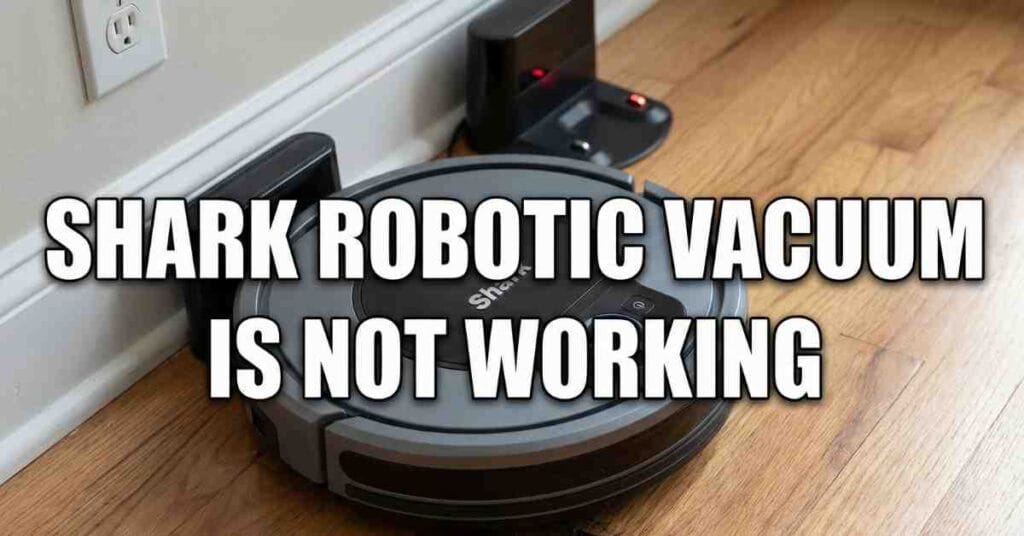
Last week, my Shark robot just quit. I came home to a dirty floor and a dead machine. It sat in the hall like a big, round rock. I was so mad because I hate to sweep. I use this tool to save time every single day.
I sat on the floor to look at it closely. I did not want to buy a new one yet. I knew I could fix it if I tried hard. This guide shows you what I did to make it work. I hope my tips help you fix yours too.
Why the Shark Robotic Vacuum Will Not Start
The first thing I did was check the power. A robot needs a full battery to clean the house. My Shark had no lights on at all. It looked like it was in a deep sleep. I pushed the “Clean” button, but nothing happened.
I looked at the dock against the wall. The green light on the dock was on. That meant the plug was in the wall just fine. But the robot was not getting any power from it. I had to find out why the power was stuck.
My Charging Fix Table
| The Problem | What I Saw | How I Fixed It |
| Dusty Pads | Grey film on the metal | I wiped them with a dry cloth |
| Bad Dock Spot | The dock was on a thick rug | I moved it to the hard floor |
| Loose Plug | The cord was not in all the way | I pushed the cord in tight |
| Power Switch | The side switch was set to off | I flipped the switch to “On” |
I found that dust was the main issue here. The metal pads on the bottom were very dirty. Dirt blocks the path of the power to the unit. I wiped the pads until they shines like new coins. Once I did that, the robot made a loud beep.
Fixing the Shark Robotic Vacuum Red Light
After it charged, a red light came on the top. It was a red “!” mark that looked scary. This light means the robot has a big problem. It can be a stuck brush or a dirty sensor. I had to look at every part to find the clog.
I flipped the robot over on its back to see. The red light usually points to a part that cannot move. I checked the side brushes first to be sure. One brush had a long piece of red yarn in it. I pulled the yarn out with my bare hands.
How to Reset the Red Light Error
If the light stays on, you must reset the brain. I turned the power switch to “Off” for a bit. I waited for ten slow seconds before I turned it back on. This clear the error from the small computer inside. The red light went away and the blue light came back.
I was so happy to see the blue light again. It meant the robot was ready to go back to work. But I still heard a loud noise when it moved. I knew there was more work to do on the brush. I had to clean the whole thing to be safe.
Cleaning the Brushroll and the Suction Path
The brushroll is the most vital part of the tool. It spins fast to pick up dirt and pet hair. Mine was full of hair from my big gold dog. The hair was wrapped so tight it could not spin. I had to use a pair of scissors to cut it.
I took the brush out of the bottom of the Shark. I cut the hair in a straight line across the roll. This made it easy to pull the hair off in big clumps. I also checked the small caps on the ends of the roll. Hair hides there and can melt the plastic parts.
Steps to Clean the Suction Hole
- Step One: Take the dust bin out of the back.
- Step Two: Look into the hole where the dirt goes.
- Step Three: Pull out any toys or coins stuck inside.
- Step Four: Use a damp cloth to wipe the path clean.
I found a small plastic toy stuck in the tube. This toy was blocking all the air from the motor. No wonder it was not picking up any of the crumbs. Once the path was clear, the suction felt very strong. It could finally clean the rug the right way again.
Why the Robot Keeps Hitting the Same Wall
My Shark started to act very odd and strange. it would hit the wall and then spin in a circle. It did this for five minutes in the same spot. I thought the brain was broken for good this time. But then I saw the front bumper was stuck.
The bumper tells the robot when it hits a chair. If the bumper is stuck “In,” the robot thinks it is hitting a wall. I tapped the bumper a few times with my hand. A small grain of sand fell out of the crack. The bumper popped back out and the robot moved straight.
Cleaning the Sensors and the Eyes
The robot has “eyes” called sensors on the front. These eyes help it see the walls and the stairs. Mine were covered in a layer of fine white dust. This dust made the robot “blind” while it worked. I used a soft cloth to wipe the lens.
I also wiped the cliff sensors on the very bottom. These sensors stop the robot from falling down the stairs. If they are dirty, the robot will just stop moving. It is too scared to fall, so it stays in one spot. Clean eyes make for a very smart and fast robot.
Dealing with the SharkClean App Offline Error
I love to use the app on my phone to start the clean. But the app said the robot was “Offline” last night. I could not tell it to clean the kitchen from my bed. This is a common bug with the home Wi-Fi link. I had to fix the link to get it back.
I checked my phone to see if the web was working. Then I went to the robot and held the “Dock” button. I did this for five seconds until the lights flashed. This put the robot back into the pairing mode for the app. I re-linked the bot to my home Wi-Fi in two minutes.
Tips for a Better Wi-Fi Link
Keep the dock near your Wi-Fi box if you can. Thick walls can block the signal to the robot vacuum. If the signal is weak, the app will drop the link. I moved my dock to the hall to get a better signal. Now the app works every time I push the button.
When to Replace the Battery and the Parts
I have had my Shark for over two long years now. The battery does not last as long as it used to do. It used to clean the whole house on one charge. Now it has to go back to the dock after twenty minutes. This means the battery is getting old and weak.
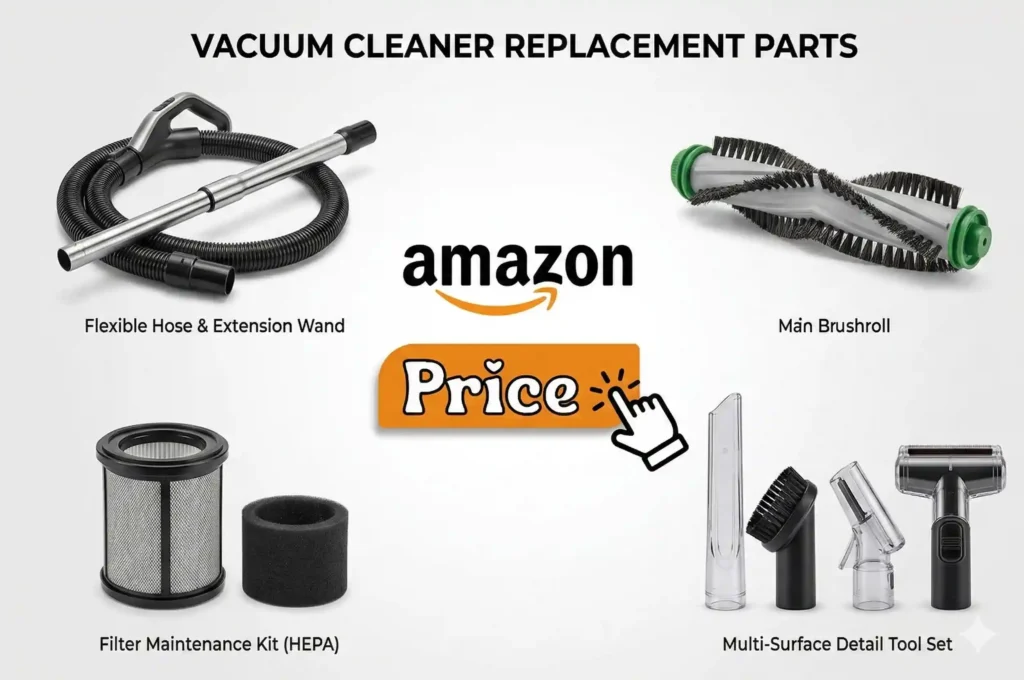
I looked online for a new battery for my specific model. They are easy to swap out with just one screw. I also bought new side brushes and a new filter. These small parts keep the motor from getting too hot. A cool motor will last for a much longer time.
Part Replacement Guide
| Part Name | When to Buy a New One | Why You Need It |
| HEPA Filter | Every two months | To keep the air in the room fresh |
| Side Brushes | When the arms look bent | To pull dirt out of the corners |
| Main Brush | Every year | To pick up hair from the deep rug |
| Battery | Every two or three years | To give the robot power to finish |
I replaced my filter and the air smelled much better. The old filter was black with dirt and old dust. The new filter is white and lets the air flow fast. My Shark feels like a brand new tool again today. I am so glad I did not throw it in the trash.
Final Thoughts on Fixing Your Shark Robot
Fixing a Shark robot is mostly about keeping it clean. These tools live on the floor where it is very dirty. They suck up hair, dust, and tiny bits of grit. All that gunk gets into the wheels and the sensors. A clean robot is a happy and hard-working robot.
I now spend ten minutes every Sunday to clean my bot. I wipe the eyes and I cut the hair off the brush. This small task saves me from big repairs later on. If your Shark is not working, try these steps first. Most of the time, a quick wipe is all it needs.