
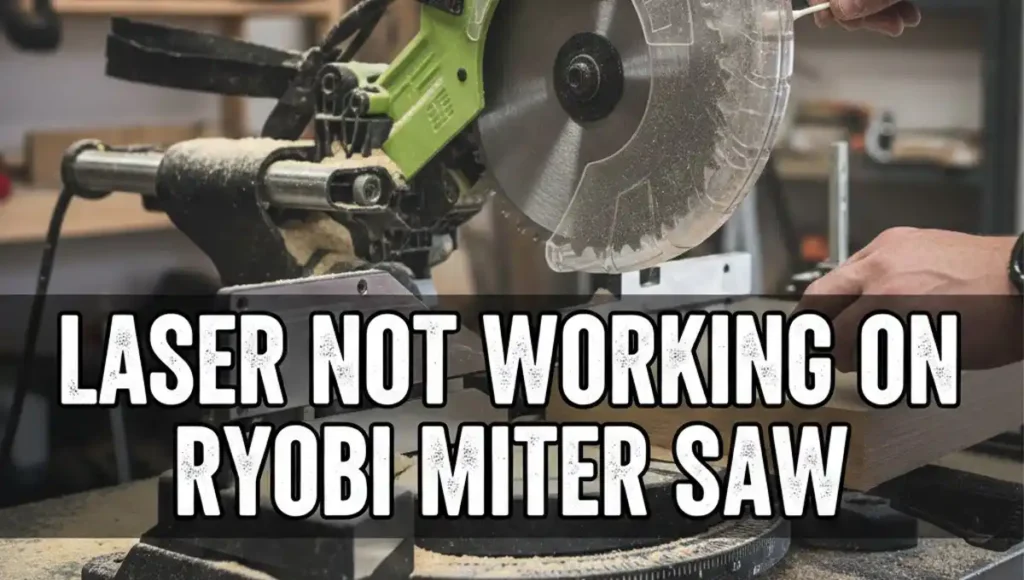
It was a cold Tuesday morning in my small garage. I had a big stack of pine boards and a tight deadline. I pulled the handle of my saw, but the red line was gone. My Ryobi miter saw laser not working felt like a huge setback. I really needed that guide to make my cuts straight and fast.
I did not want to stop my work to buy a new tool. I also did not want to pay a shop to fix it. So, I took a deep breath and looked closely at the saw. It turns out that a dead laser is a very common issue for many Ryobi owners. Most of the time, the fix is fast and costs almost nothing to do.
Why Is My Ryobi Miter Saw Laser Not Working?
Before I started to take things apart, I sat down to think. I wondered if the power was out or if the bulb was just old. In my shop, the air is always full of very fine wood dust. That is usually the first place I look when a tool starts to act up.
Quick Fix Guide for Laser Failures
| Symptoms | Likely Cause | My Quick Fix |
| No red light at all | Dead batteries or loose plug | Swap batteries or check the cord |
| A very dim red light | Thick dust on the glass lens | Wipe the lens with a soft cloth |
| Blurry or thick line | Oil or sap on the lens window | Clean with alcohol and a Q-tip |
| Light blinks or fades | Dirty power switch contacts | Click the switch fast to clear grit |
The Secret Dust Problem on the Lens
The most common reason for a Ryobi miter saw laser not working is just plain dirt. I looked at my lens and it seemed fine at first. But when I touched it, a thick layer of gray dust came off on my finger. This dust acts like a wall that blocks the thin beam of red light.
To fix this, I used a simple cotton swab and a drop of alcohol. I reached under the blade guard and wiped the tiny glass window. The change was like night and day for my saw. Once the glass was clear, the bright red line snapped right back onto the wood.
Checking the Hidden Battery Compartment
If cleaning the lens does not work, it is time to check the power. I own two different Ryobi saws for my wood projects. One plugs into the wall, but the smaller one uses its own batteries. I forgot they were even there until the light started to get very dim.
On many Ryobi models, the batteries hide inside the main handle. You have to use a small screwdriver to open a plastic door. I found two AAA batteries inside that had started to leak. This happens a lot if you leave your saw in a cold shed over the winter months.
Fixing a Crunchy Power Switch
If your saw uses a cord, you do not have to worry about batteries. But you do have a power switch that can get very dirty. I noticed my switch felt stiff and did not make a clicking sound. Fine dust gets inside the button and stops the electricity from flowing.
I unplugged my saw first to stay safe while I worked. I used a can of air to blow out the grit around the button. Then, I clicked the laser switch twenty times as fast as I could. This simple trick cleared the path and made the laser turn back on for me.
How to Align Your New Laser Line
Once I got the light to stay on, I saw it was not straight. It was pointing a bit to the left of my blade. I took a scrap piece of wood and drew a very straight line with a pen. I lowered the blade to see if the laser matched my mark on the wood.
If your line is off, look for the small adjustment screws near the lens. One screw moves the line left or right on the board. The other screw turns the line so it stays parallel to the steel blade. I turned the screw just a tiny bit until the red light was perfect.
Replacing the Laser Module
I have to be honest with you about these tools. Sometimes the laser part just dies and cannot be fixed with a cloth. These are small electronic parts that do not last forever. If you have clean power and a clean lens but still no light, the part is likely burnt out.
| Part Name | Ease of Install | My Cost |
| Laser Assembly | Medium (2 screws) | $15 to $25 |
I once had to order a new part for my older saw online. It was very easy to swap out with just a few tools. I took out two screws, unplugged the old wire, and put the new one in. It took me less than ten minutes to get back to my project.
My Daily Maintenance Routine
I learned my lesson that morning in the garage. Now, I take better care of my saw so the laser stays bright. I want it to work every single time I pull the trigger. Keeping it clean is the best way to avoid a Ryobi miter saw laser not working in the future.
After every big job, I use my air hose to blow off the saw. I pay close attention to the lens and the power button. I also change my batteries every fall before the weather gets cold. These small steps keep my shop running smooth and my cuts very sharp.
FAQs: Ryobi Miter Saw Laser Stopped Working
Why is my Ryobi miter saw laser not working after cleaning?
If the lens is clear, check your power. For battery models, swap in fresh AAAs. For corded saws, blow air into the switch to clear out stuck dust.
How do I align the laser on my Ryobi miter saw?
Find the small adjustment screws near the laser head. Turn them slowly to move the line left or right. Match the red beam to a fresh pencil mark on scrap wood.
Can I replace the laser on my Ryobi saw myself?
Yes, it is a very simple DIY fix. You just need to remove two screws and unplug one wire. New laser modules are cheap and easy to find online.
Will cold weather affect my miter saw laser?
Extreme cold can drain the batteries in your saw handle. It can also make the internal wires brittle. Store your saw in a dry spot to keep the laser bright.