
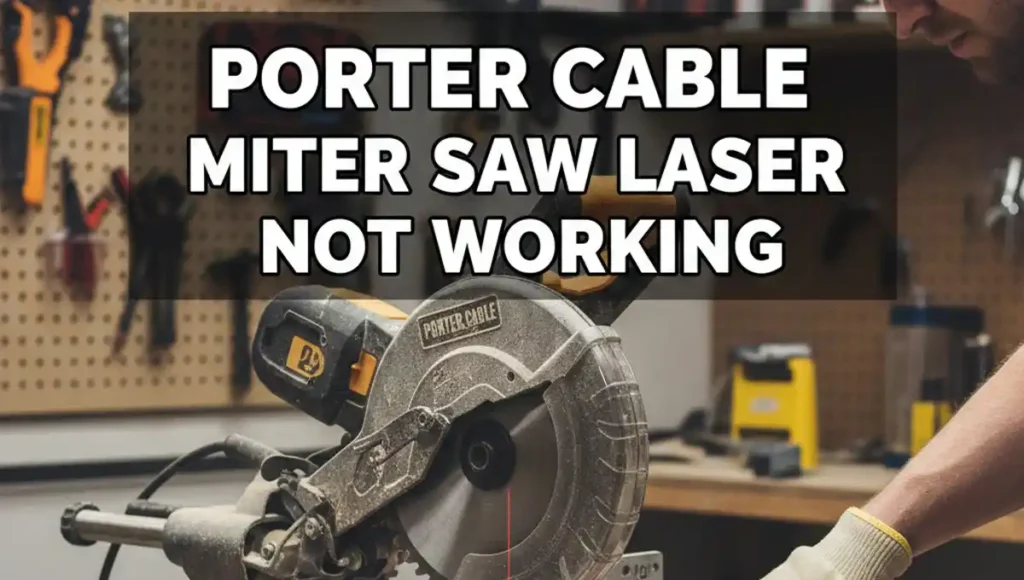
Last Tuesday, I was in my shop to cut some oak trim. I flipped the switch on my Porter Cable saw, but the red line did not show up. It was quite a pain since I had a lot of quick cuts to make. I have fixed many tools for my site, so I knew I could find the cause.
I sat down with my saw to find the bug. A laser is a simple part, but wood dust is its main foe. Most of the time, you do not need a pro to fix this. I will share the exact steps I took to get my red line back in action.

Checking the Battery Power First
The first thing I did was check the juice. Many folks think the saw cord powers the laser, but that is not always true. My model uses small batteries hidden in a tiny door near the top handle. I used a small driver to pop the cover and see what was inside.
I found three small button cells that looked a bit dull. These tiny batteries can leak over time and ruin the metal tabs. I wiped the tabs with a dry cloth to make sure they were clean. Once I put in new cells, I felt much better about the fix.
Common Laser Battery Specs
| Feature | Detail |
| Battery Type | LR44 or A76 |
| Cell Count | 2 or 3 |
| Power Level | 1.5 Volts |
| Total Life | 15 Hours |
Clearing Out the Shop Dust
Even with new batteries, my laser stayed dark. I took a look at the lens and saw the issue. A thick layer of fine pine dust had coated the glass. This “shop flour” acts like a wall for the light beam.
I used a soft Q-tip to wipe the lens clean. I did not use water, as that can make the dust turn into mud. A quick blast of air from my lungs finished the job. After one wipe, I could finally see a faint red glow.
Cleaning Steps for the Lens
| Step | Action |
| 1 | Use a dry cloth or Q-tip |
| 2 | Blow out the side gaps |
| 3 | Use alcohol for sticky sap |
Fixing a Stuck Power Switch
The laser button on my Porter Cable saw felt a bit soft. A good switch should click when you press it. I figured out that wood grit was stuck inside the button frame. This stoped the metal parts from touching to pass the power.
I used a can of air to blow the grit out of the cracks. I clicked the button ten times fast to clear the rest of the dirt. Soon, the crisp “snap” came back to the switch. This is a very common fix for saws kept in a dusty garage.
Testing the Internal Wires
If your saw is old, a wire might be loose. Miter saws shake a lot during a long day of work. I opened the handle to look at the thin red and black wires. I found one wire that had rubbed against the plastic until it broke.
I used a small bit of tape to fix the wire for a quick test. Make sure you unplug the main saw cord before you open the case. You do not want the blade to turn while you work on the wires. Once the wire was snug, the laser stayed on bright and steady.
How to Keep the Laser Working
I learned my lesson after this project. Now, I blow off the laser lens after every single job. I also take the batteries out if I will not use the saw for a month. This keeps the acid from leaking and eating the metal parts.
If your laser is still dead, the small light bulb may be burnt out. You can buy a new laser part online for a low price. Just look for your model number on the side of the motor. It is a cheap way to make your saw feel like new again.
FAQs: Porter Cable Miter Saw Laser Not Working
Why is my Porter Cable miter saw laser so dim?
Your laser lens likely has a thin layer of wood dust on it. Wipe the small glass eye with a soft cloth. Fresh batteries can also help boost the beam brightness.
What batteries does a Porter Cable laser guide use?
Most models use three LR44 or A76 button cell batteries. You can find these at any local shop. They sit in a small tray near the top of the saw blade.
Can I use my miter saw if the laser is not working?
Yes, the saw will still cut wood perfectly fine without the light. The laser is just a guide to help you see your mark. Use a square to check your lines for safety.
How do I align a laser that is off center?
Look for the two tiny screws on the side of the laser path. Turn them slowly with a small driver to budge the red line. This keeps your cuts straight and true every time.