
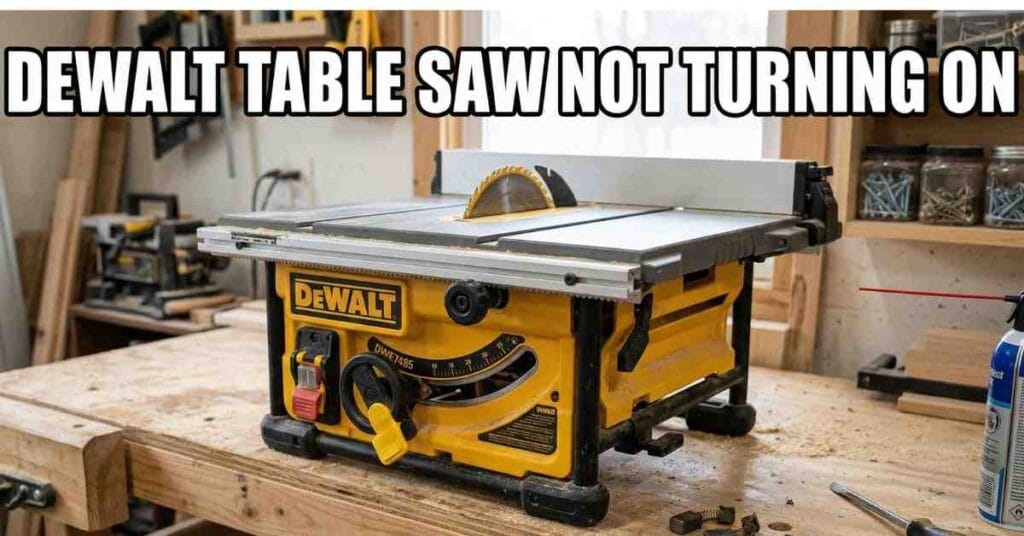
It was a hot Tuesday in my Florida workshop. I had a pile of wood ready for a new chest. I flipped the red switch on my DeWalt saw, but nothing happened. The shop was dead silent.
That is a bad feeling for any worker. You have a job to do, but your tool will not run. I did not get mad. I knew I could fix it. I have fixed my DWE7491RS many times before.
The First Steps I Took to Check Power
I checked the plug first. This sounds simple, but plugs can pull out. I saw that it was tight in the wall. Then I looked at the main power box. No fuses were blown in the shop.
I looked at the outlet on the wall next. It was a GFCI type with a reset button. These trip if they get too much dust. I pushed the reset button until I heard it click.
Power Source Quick Check
| Component | What to Look For | My Result |
| Power Cord | Loose or cut wires | It was fine |
| Circuit Breaker | A tripped switch | It was on |
| GFCI Outlet | The reset button | It was tripped |
Even after the reset, the saw did not start. I knew the problem was inside the saw. I had to look at the safety parts. These parts can fail after years of hard work.
Testing the Overload Reset Button
Most DeWalt saws have a small brain inside. It stops the motor if it gets too hot. This is a small black button near the switch. If you cut thick wood, it might pop out.
I reached under the rail to find it. I pressed it hard, but it did not click. This meant the motor was not too hot. The fault was likely in the power switch or the wires.
The Yellow Safety Key and Switch Issues
The switch on these saws gets very dirty. Fine wood dust gets into every small crack. I pulled out the yellow plastic key. This key must be in place for the saw to run.
I used a can of air to blow out the dust. A big cloud of oak dust flew out. I flipped the switch back and forth. It felt soft and did not click like it used to.
Signs Your Switch Is Bad
- The switch feels mushy or loose.
- You hear a hum but no spin.
- The saw starts and then stops.
- You see black soot on the wires.
Checking the Carbon Brushes
I moved on to the motor brushes next. These are small carbon blocks that carry power. They wear out as you use the saw. If they get too short, the saw will just die.
I unplugged the saw to stay safe. I used a flat tool to open the two black caps. I pulled the first brush out to look at it. It was very short and looked burnt.
Carbon Brush Health Guide
| Brush State | What I Saw | What to Do |
| New | Long and shiny | Keep using it |
| Worn | Very short block | Put in new ones |
| Bad | Burnt or broken | Fix it now |
I had new brushes in my tool bag. I put them in and closed the caps. I tried the switch one more time. The saw still did not make a sound.
Read More: DeWalt Table Saw Blade Will Not Raise
Inspecting the Power Cord Wires
I move my saw around a lot in the shop. This can break the wires inside the cord. I opened the box behind the switch to look. I used a meter to test the wire for power.
The black wire had a break inside the rubber. It snapped right where the cord enters the saw. I cut the bad part off and fixed the wire. This is a common fix for job site saws.
How to Keep Your Saw Running Fast
Once I fixed the wire, the saw roared to life. It felt great to hear that sound again. I finished my wood chest before lunch. I learned that small things cause the most trouble.
You should clean your saw once a week. Use air to blow dust out of the motor. Check your cords for any cuts or flat spots. This keeps you safe and keeps the saw strong.
Weekly Maintenance List
- Blow out all dust with air.
- Check the plug for any heat.
- Test the yellow safety key.
- Clean the table top for smooth cuts.
Final Thoughts on the Fix
If your saw does not turn on, stay calm. It is usually a small part that failed. Check the power, the switch, and the brushes. Most fixes take less than an hour to do.
I spent very little money to fix mine. It is better than buying a new saw. Taking care of your tools makes the work fun. It also saves you a lot of time.