
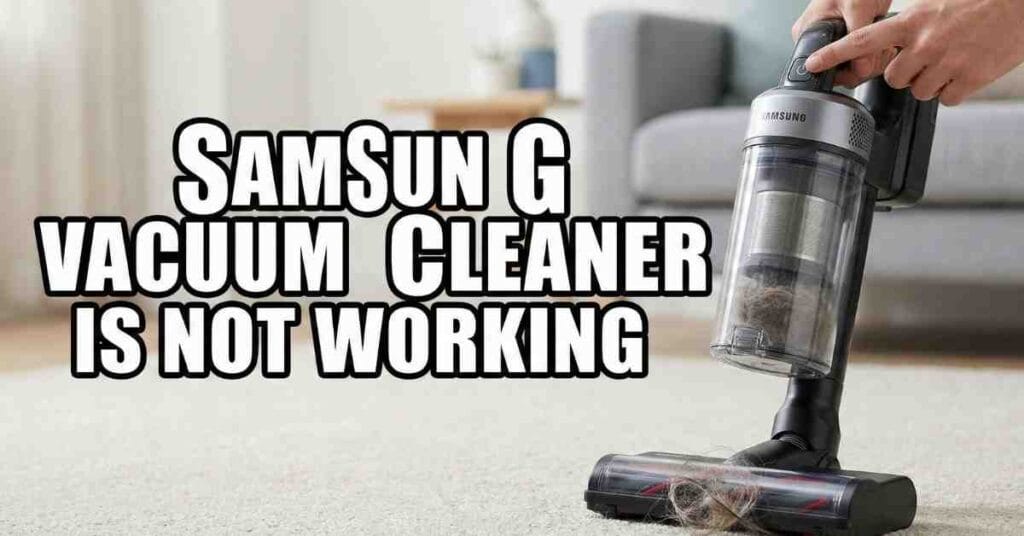
Last Tuesday, I stood in my living room with a dead Samsung Jet 75 and a pile of spilled cereal. I pressed the power button. Nothing. It is a sinking feeling when a premium tool just stops. I’ve spent years reviewing gear at ToolsEngineers, and I’ve learned that these machines are smart, but they are also sensitive.
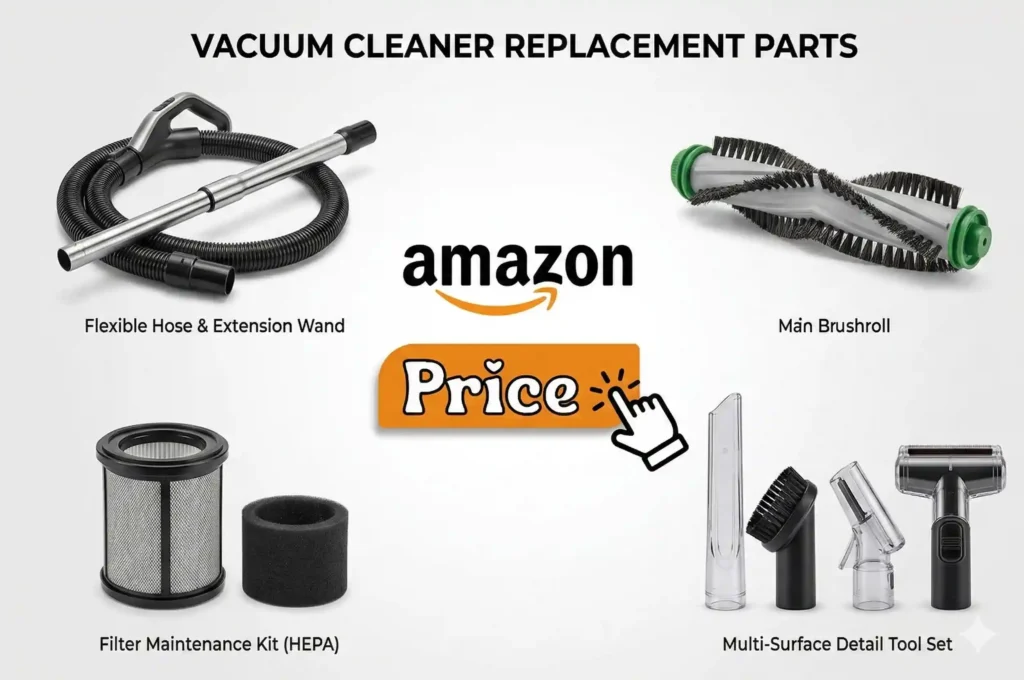
If your Samsung vacuum cleaner is not working, don’t panic. Most of the time, it isn’t a broken motor. It is usually a small clog or a safety sensor doing its job. I spent the afternoon tearing mine apart to find the fix. Here is what I learned from that “cereal disaster” and how you can get your suction back.
Checking the Basics When It Won’t Turn On
Before you look for a repair shop, check the power. It sounds simple, but I’ve been fooled before. My Jet Stick once felt “dead” just because I didn’t click the battery in all the way.
The Battery and Charging Connection
Samsung batteries are heavy. If they don’t seat perfectly, the vacuum won’t start. I always remove the battery and slide it back in until I hear a loud click. If you use a Clean Station, check the metal pins. Dust gets on those silver contacts and stops the flow of electricity. I use a dry microfiber cloth to wipe them down once a month.
Power Comparison Table
| Issue | What I Saw | The Quick Fix |
| Loose Battery | No lights at all | Remove and re-click |
| Dirty Pins | Flashing red light | Wipe silver contacts |
| Overheated | Hot handle | Wait 30 minutes |
Why Your Samsung Vacuum Suddenly Shuts Off
There I was, halfway through the rug, and the motor just quit. This is the “thermal cutoff.” Samsung vacuums protect themselves from heat. If the air can’t flow, the motor gets hot. To save itself, it shuts down.
The Hidden Clog Locations
I found a gum wrapper stuck in the middle of the extension pipe. You can’t see it from the ends. I had to drop a coin through the pipe to see if it came out the other side. If the coin gets stuck, you found your clog.
Check these three spots:
- The entry point where the pipe meets the dustbin.
- The “elbow” joint on the floor brush.
- The internal mesh filter inside the bin.
Fixing Suction Issues and Clogged Filters
If your vacuum runs but picks up nothing, your filters are likely full. I noticed my suction dropped by half after vacuuming fine drywall dust. The fine dust plugs the pores of the HEPA filter.
Washing the Micro Filter
The blue filter on top of the bin is washable. I rinse mine under cold water until the water runs clear. Here is the most important part: You must let it dry for at least 24 hours. I once put a damp filter back in, and the vacuum smelled like a wet dog for a week. Never skip the drying time.
Clear the Brush Roll
Hair is the enemy of the Samsung Jet Bot and the Jet Stick. I saw my brush icon flashing on the display. When I flipped the head over, a thick nest of hair was wrapped around the roller. I use a pair of small scissors to snip the hair along the groove. Once the brush spins freely, the error code usually goes away.
Understanding Samsung Vacuum Error Codes and Symbols
Newer Samsung models have a small screen. It is much better than guessing. If you see a red icon that looks like a pipe, it means there is a blockage. If you see a spinning fan icon, the brush is stuck.
Common Symbols and Meanings
- Clogged Pipe Icon: Check the wand and the bin inlet.
- Spinning Brush Icon: Clean the hair off the roller.
- Filter Icon: The filter is not twisted on tight enough.
What to Do If the Jet Bot Robot Won’t Move
My robot vacuum, the Jet Bot, once stayed in its dock for three days. It wasn’t broken; it was just confused. If your robot is not working, check the bottom power switch. Sometimes, when it climbs over a high door threshold, the switch can flick to “Off.”
Cleaning the Sensors
The Jet Bot uses LiDAR (a laser) to see. If there is a smudge on the glass “tower” on top, it gets lost. I wipe the sensors with a dry cloth. If it still acts weird, I do a soft reset. I turn the power switch off, wait ten seconds, and turn it back on. It usually clears the “brain fog.”
Is It Time for a New Battery?
I get asked this a lot at my site. If your vacuum works for only two minutes and then dies, the battery is likely worn out. Lithium batteries last about 2 to 3 years. If you see three blinking lights that never turn solid, the battery cell is likely dead.
Buying a genuine Samsung battery is worth the extra money. I tried a cheap “knock-off” battery once. It didn’t fit right and got dangerously hot. Stick with the official parts for safety.
Maintenance Schedule for Peak Performance
| Part | Action | How Often |
| Dustbin | Empty and wipe | Every use |
| Micro Filter | Wash with water | Once a month |
| HEPA Filter | Tap out dust | Every 3 months |
| Brush Roll | Remove hair | Every week |
Export to Sheets
My Final Thoughts on Samsung Vacuum Repairs
Most “broken” vacuums just need a little love. When my Samsung vacuum cleaner was not working, it was just a mix of a dirty filter and a clogged pipe. By keeping the air path clear, you keep the motor cool and the suction strong.
If you have checked the filters, the pipe, and the battery, and it still won’t hum, then it might be the motor. But in 90% of the cases I see, a good cleaning fixes the problem.
Would you like me to help you find the specific replacement part number for your Samsung model or explain how to deep clean the cyclone assembly?
As an Amazon Associate, We earn from qualifying purchases