
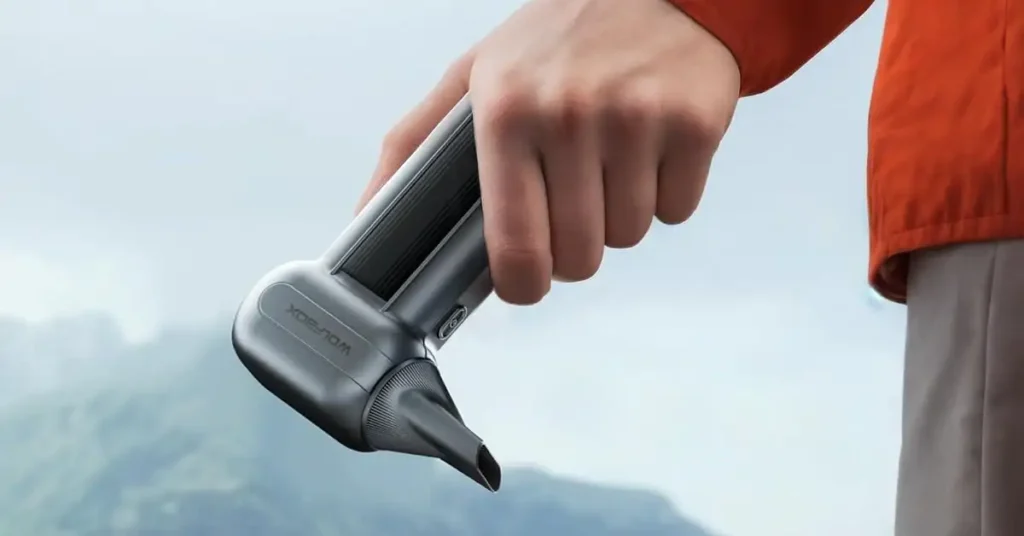
When my wolfbox mf100 stopped charging, it threw off my whole morning. I’m in Ohio, so the weather doesn’t help — one day warm, next day freezing. I went to plug it in like I always do, and for a second I thought maybe I bumped the outlet or grabbed the wrong cable. It happens more than I want to admit, especially when my workspace is full of Ryobi tools and that pile of wood scrap I still haven’t touched.
Anyway, if yours isn’t charging either, let me walk you through what I figured out. Some things were simple. Some things took me a minute. Or longer.

Table of Contents
Why Your Wolfbox MF100 Might Stop Charging
Here’s the part where I realized how many tiny things can go wrong at once. None of it felt dramatic, but it added up.
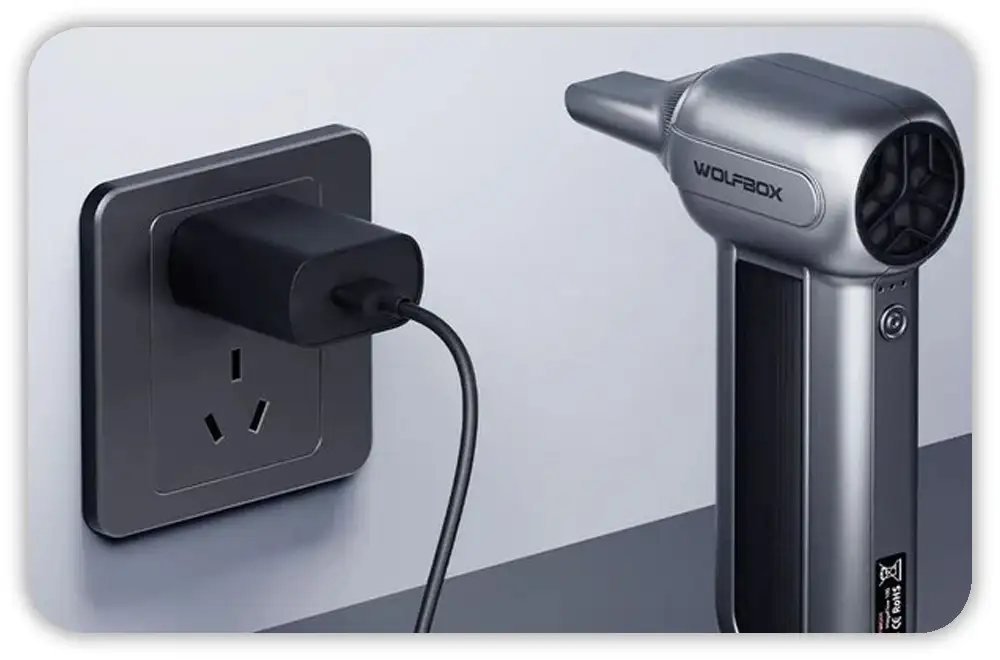
Low-Quality or Damaged USB-C Cable
Cables go bad. Sometimes you can’t even see it. Mine didn’t look broken, but it sure acted like it. If you’ve ever had a phone that only charges when you hold the cord “just right,” you know the feeling.
Trying another cable fixed more than one issue for me.
Nothing fancy — just a decent cable that isn’t on its last breath.
Weak Power Adapter or Outlet Issues
I’ve learned that not all outlets give steady power. My garage has an outlet that works fine until… it doesn’t. It’s older, and when it’s cold out or when I’m running something else, it gets weird.
If you’re in a spot like that, try a different wall adapter. A basic 5V/2A brick is usually enough.
Dirt and Debris Inside the Charging Port
Sawdust, tiny shavings, random grit — they find their way everywhere. If you’ve got wood scraps and tools nearby like I do, the MF100 port can pick up dust fast.
A quick clean helps. Nothing sharp. Nothing wet. Just a soft brush or a little puff of air.
Fully Drained Battery Entering Sleep Mode
If the battery drains all the way, the MF100 can act like it’s done for. No light. No sound. No sign of life.
But it’s not actually gone. It just needs time on the charger before it wakes up. Like a slow start on a cold morning.
Internal Hardware or Battery Wear
If a device gets knocked around or lives in different temperatures — pretty normal in a U.S. garage — things inside can loosen or wear out. Not common, but it happens.
You’ll feel it when nothing else fixes the problem.
Quick Checks to Try Before You Panic
These are the things I try first. They take a minute, maybe two. Most issues show up here.
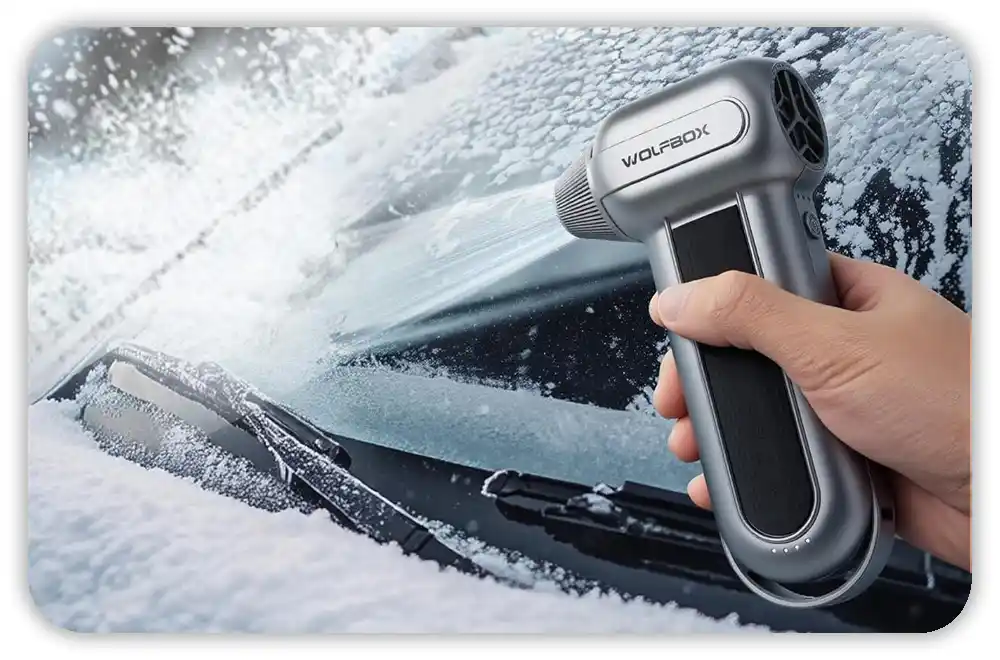
Test a Different USB-C Cable
Simple. Fast. Honestly, half the time it solves the whole thing.
Swap the Power Brick
Try a wall charger you trust. If you use Ryobi tools, think of how picky some of the chargers are. The MF100 is the same way — it wants steady power.
Clean the Charging Port
Dust builds up without you noticing. A small brush or a toothpick (wood only) works.
Let It Sit for 10–15 Minutes
A dead battery won’t show signs at first. Give it time on the charger. Walk away. Let it settle.
Deeper Troubleshooting Steps If It Still Won’t Charge
These take a bit longer, but they help you figure out what’s really going on.
Check for Battery Swelling or Overheating
Touch the back of the MF100. If it feels warm or tight, unplug it. Heat isn’t normal here.
Try Charging in a Different Environment
Cold garage? Hot car? It matters. Ohio swings between both. Bring the MF100 inside for a bit, then try again.
Perform a Soft Reset
There’s a small reset hole. A quick press with a paperclip can clear up odd glitches. Nothing complicated.
Inspect the Cable Fit and Port Movement
Plug in the cable and see how it feels. If it wiggles too much or cuts in and out, the port might be loose.
What to Do If Your MF100 Still Won’t Charge
If the basics didn’t help, here’s what’s next.
Contact Wolfbox Support
They’re straightforward. They’ll ask what you tried and guide you through the rest. No need to guess.
Check Warranty or Return Options
Most U.S. buyers get decent coverage — especially from places like Amazon. It’s worth checking.
Consider Professional Repair
If the port is loose, a repair shop can fix it. USB-C ports aren’t complicated for a tech with the right tools.
How to Prevent Charging Problems Next Time
Little habits make things easier.
Use Better Cables
Cheap cables fail fast. A decent braided one lasts longer, especially around tools.
Avoid Extreme Temperatures
Don’t leave it in a freezing shop or a hot car. Batteries hate both.
Charge It Before It Hits Zero
A weekly top-up helps the battery stay healthy.
Cover the Port
A tiny rubber plug keeps dust out. If your workspace has scrap wood sitting around like mine, this helps a lot.
Final Thoughts
If your wolfbox mf100 not charging moment caught you off guard like mine did, don’t stress yet. Most of these issues aren’t serious. It just takes a few small checks to figure out what’s going on.
And once it turns back on, you can finally stop wondering if you broke something — always a relief.
FAQs – Wolfbox MF100 Not Charging
Why is my Wolfbox MF100 not charging at all?
It may be due to a bad cable, a weak power brick, or dust in the port. Try a new USB-C cable and a clean outlet to see if the MF100 starts to charge.
How do I fix slow charging on the Wolfbox MF100?
Slow charging often comes from low power. Use a 5V/2A wall adapter and a strong USB-C cable to help the MF100 charge at a steady speed.
Can cold weather stop my Wolfbox MF100 from charging?
Yes. Very cold days can put the battery in a low state. Warm the device indoors for a bit, then plug it in again to start the charge.
What should I do if the USB-C port on my Wolfbox MF100 feels loose?
A loose port may cause the “wolfbox mf100 not charging” issue. Try another cable. If it still cuts out, a repair shop can check the port.
How long should I leave a dead Wolfbox MF100 on the charger?
If the battery is fully drained, give it 10–15 minutes. The screen may stay dark at first, but it should wake up once it has enough power.
As an Amazon Associate, We earn from qualifying purchases